CONTENT / 01
Explore Slot ThunderSpin and Crash Energy on Mobile
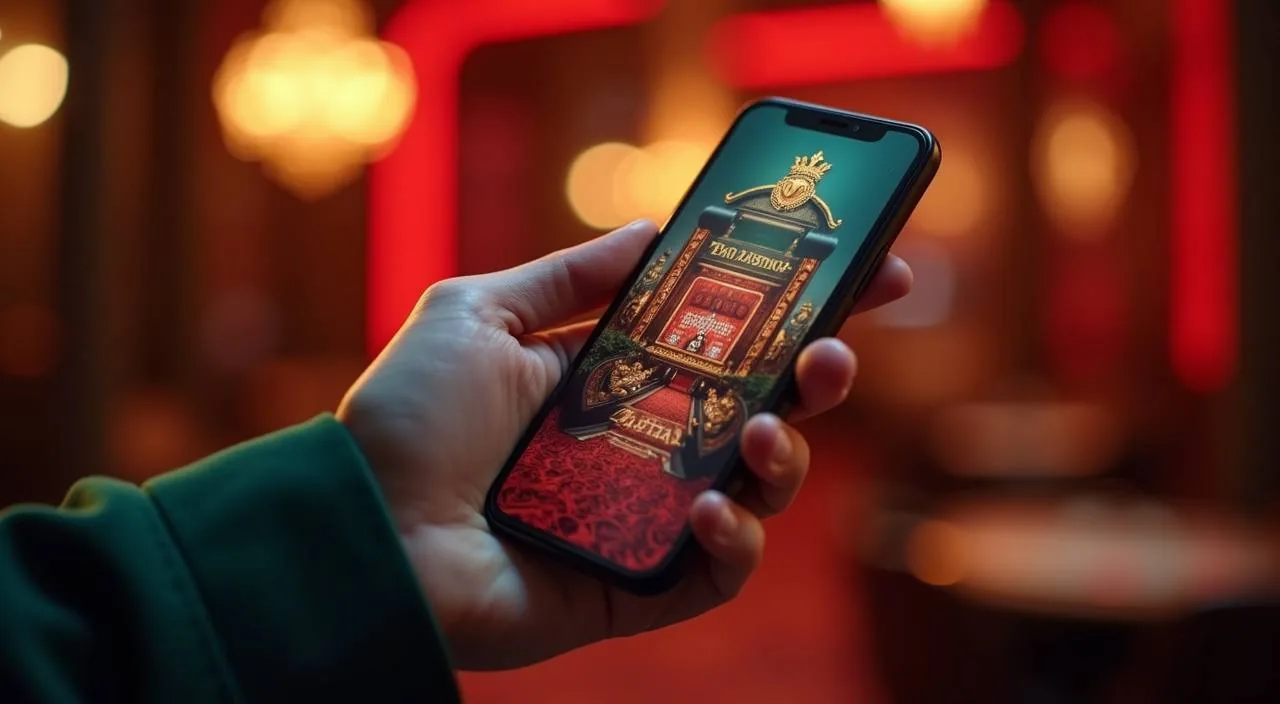
Slot ThunderSpin and Crash Energy are among the games we see opened first when members return to the lobby on a phone. Slot ThunderSpin runs full-screen in any mobile browser — no pinching, no sideways scrolling. Crash Energy loads with the same responsive layout, so the rising multiplier and the cash-out button stay clearly visible without zooming. Both games remember your last session position, so returning to the lobby after a break puts you back at the correct screen rather than the main landing page.
-
Slot ThunderSpin
Slot ThunderSpin opens full-screen in your mobile browser without any separate download. The controls are sized for a phone screen, so switching bet levels or checking the paytable takes one tap. RTP is shown inside the game where the studio publishes it.
-
Crash Energy
Crash Energy is a round-based crash game where you decide when to exit before the multiplier stops. The mechanic is straightforward — follow the graph, tap to collect. No complex rules to learn. Available directly from the lobby games rail on mobile or desktop.
-
Baccarat Diamond
Baccarat Diamond is in the live casino section with a live dealer on screen. It follows standard baccarat rules — Player, Banker or Tie — and the table interface scales cleanly on a phone. Open it from the Live Casino tab in the lobby category row.
CONTENT / 02
Browse Casino, Slots and Sportsbook in One Place
The 8up8 lobby brings casino table games, slot rooms and sportsbook markets together on a single screen. Switch between live baccarat, crash games and cricket betting without reloading the page — the category rail stays fixed at the top so you never lose your place.
CONTENT / 04
8up8 lobby studios
The 8up8 lobby carries content from Spadegaming, JDB, Pragmatic Play, Bigtime Gaming. To check the studio, rules or features of one specific game, open that game card or the published information panel.
-
Spadegaming
-
JDB
-
Pragmatic Play
-
Bigtime Gaming
CONTENT / 03
Return to the Lobby on Any Phone, No Download Needed
8up8 is built for mobile browsers first, which means you do not need to install an app to get back to your account quickly. Open your browser, go to 8up8. The mobile layout adjusts to different screen sizes automatically, so the lobby, sportsbook tab and account menu remain reachable from the same browser session without switching to a desktop view. Bookmarking 8up8.net on your home screen gives you a one-tap route back each time.
-
Browser-Based, No App Store
Load 8up8 in any modern mobile browser and the full lobby is available immediately. There is no download step and no waiting for an app store approval. Save the address to your home screen for a shortcut that opens the lobby in one tap — the same account, the same wallet, every time.
-
Account Continuity Across Devices
Your 8up8 account is tied to your credentials, not your device. Log in on a phone and your wallet balance, active sessions and account settings are exactly as you left them. Switch to a desktop browser later and the same account state is there — no manual sync or separate profile needed.
-
Nagad and Upay on Mobile
Depositing through Nagad or Upay on a phone follows the same steps as on desktop. Open the Wallet section in your account, select your preferred method, enter the amount and follow the instructions shown in the payment flow. Your balance updates when the transaction is confirmed by the payment provider.
 App / Slots